1、打開(kāi)Excel表格,按“Alt+F11”打開(kāi)“Microsoft Visual Basic”點(diǎn)擊“插入”→“模塊”。

2、復(fù)制下列代碼粘貼到“模塊”中,粘貼完成后關(guān)閉“模塊窗口”和“Microsoft Visual Basic”窗口。
Sub 宏1()
For i = 1 To 50
Selection.EntireRow.Insert
ActiveCell.Offset(2, 0).Range("A1").Select
Next i
End Sub

3、回到Excel表格中點(diǎn)擊菜單欄“工具”→“宏(M)”→“宏(M)”如圖紅框所示!

4、選擇“宏1”在點(diǎn)擊“執(zhí)行”即可。

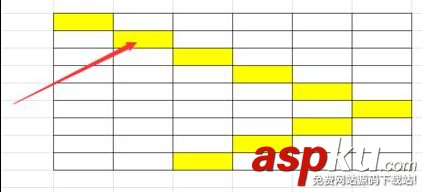
5、用“宏”執(zhí)行后的Excel表格以在內(nèi)容中插入多列行。

新聞熱點(diǎn)






疑難解答
網(wǎng)友關(guān)注